Introduction
A few years ago, Figma vs. Adobe XD was a genuine toss-up, with strong opinions on both sides. That's no longer true. Adobe confirmed in 2024 that it would stop investing in new features for Adobe XD following its failed acquisition of Figma, and the tool has been in maintenance mode ever since receiving only bug fixes and security patches, no new capabilities, and no public roadmap. This guide still walks through a genuine feature-by-feature comparison, because plenty of teams are still on XD and need to understand exactly what they're working with but the honest framing upfront will save you time: for any product design team starting fresh today, this isn't really a two-horse race anymore.
Current Status: What "Maintenance Mode" Actually Means
Before comparing features, it's worth understanding what XD's status actually means in practice:
No new features since 2023. Development effectively froze after Adobe's Figma acquisition collapsed under regulatory pressure.
No standalone purchase option. New users can no longer buy Adobe XD on its own it's only accessible through a Creative Cloud All Apps subscription, alongside Photoshop, Illustrator, Premiere Pro, and 20+ other apps.
No official end-of-life date, but no roadmap either existing files and workflows continue to function, but the product isn't evolving with the rest of the design tooling landscape.
The free Starter plan was discontinued, removing what used to be XD's easiest entry point for new designers.
Figma: Where the Industry Has Actually Consolidated
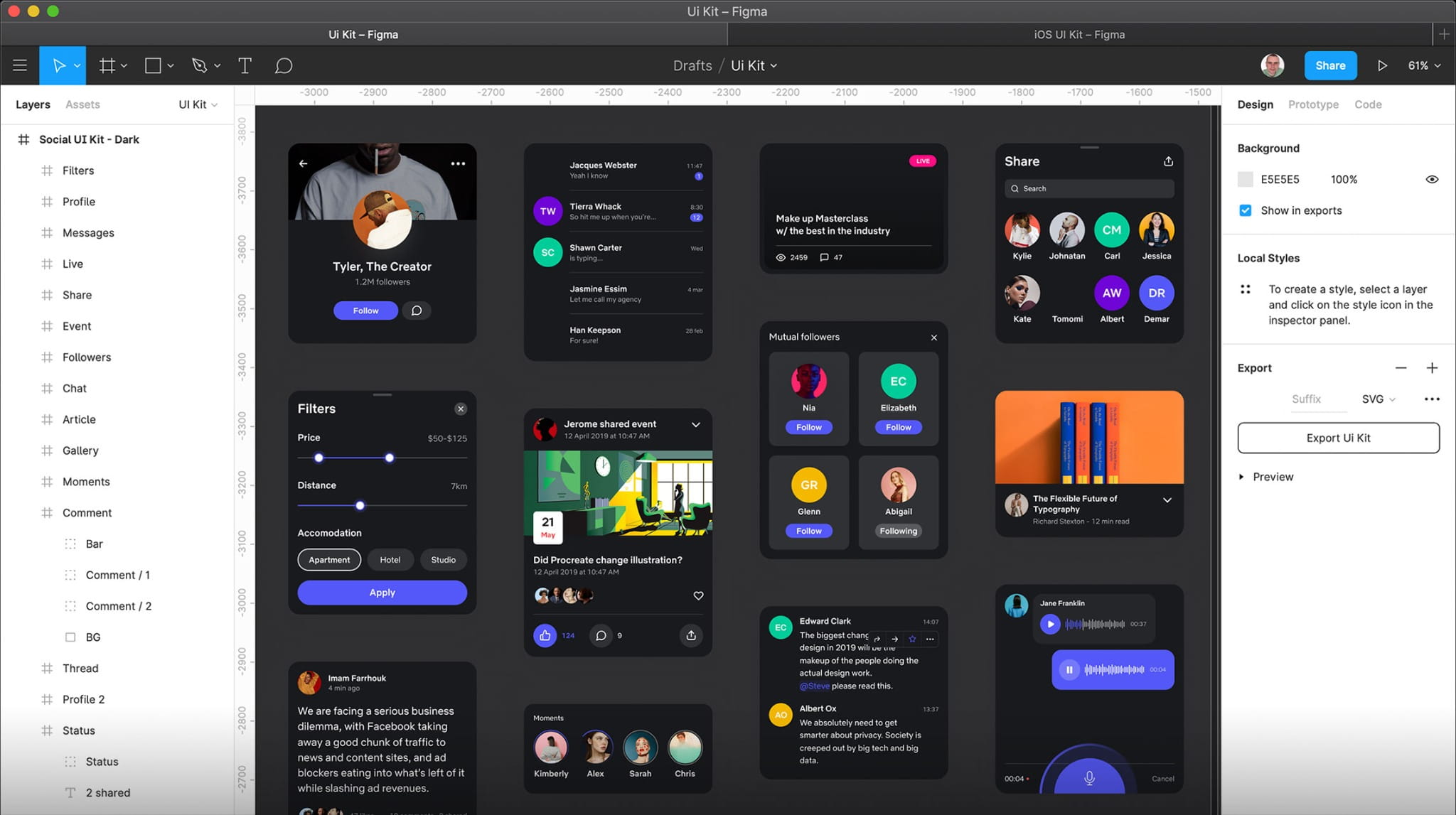
Figma was built browser-first from day one, which turned out to be the deciding structural advantage. It runs in any modern browser across Mac, Windows, and Linux, with true multiplayer editing multiple people working in the same file simultaneously, cursors visible, comments inline a workflow that feels closer to Google Docs than to a traditional desktop design app. Figma ships new features on a regular, transparent cadence, in contrast to Adobe's historically opaque roadmap communication.
Figma has also become the de facto entry point for new designers: its free tier supports a real beginner portfolio, its community library includes tens of thousands of free resources, and "Figma" now appears in the vast majority of UX job postings making it the practical default for anyone building design skills for the current job market, not just a personal preference.
Feature-by-Feature Comparison
| Factor | Figma | Adobe XD |
|---|
| Development Status | Actively developed, monthly feature releases | Maintenance mode since 2024 bug fixes and security patches only |
| Platform | Browser-based; works on Mac, Windows, Linux | Desktop-first application, requires installation |
| Real-Time Collaboration | Native multiplayer editing, live cursors, inline comments | Collaboration features added later, generally less fluid |
| Pricing (Standalone) | Free tier available; paid plans scale by team | No longer sold standalone Creative Cloud All Apps only (~$60–80/month) |
| Community & Plugins | Large, active plugin ecosystem and 50,000+ free community resources | Shrinking community; plugin development has slowed significantly |
| Job Market Relevance | Referenced in the large majority of current UX job postings | Rarely required or referenced in current listings |
| Best Fit | Any team designing seriously today | Teams already deep in Creative Cloud (Photoshop, Illustrator, After Effects) with existing XD files |
When Does Choosing Adobe XD Still Make Sense?
There are a small number of legitimate scenarios where sticking with XD isn't unreasonable:
You're already deep in the Creative Cloud ecosystem and use Photoshop, Illustrator, or After Effects daily in that specific case, the Creative Cloud All Apps bundle's per-app cost is more justifiable than paying for XD on its own would be.
You have a large existing library of XD files and prototypes and migrating isn't urgent yet XD still functions and receives security patches, so there's no immediate operational emergency.
Outside of those cases, starting a new product design workflow on XD today means adopting a tool that isn't evolving, has a shrinking community, and isn't what employers are hiring against.
Migrating from XD to Figma (If You're Currently on XD)
Figma includes a native XD import tool that converts artboards, components, and text styles automatically Adobe itself and multiple migration guides put the automated portion at roughly 80% of the work. The remaining manual steps typically involve:
Rebuilding typography and color styles inside Figma's style system
Recreating components, since XD components don't always translate perfectly
Testing prototype interactions after import to confirm they behaved as expected
Updating any shared team files and permissions
Most migration guides suggest budgeting roughly 2–4 hours per project and moving one project at a time rather than migrating an entire team's file library in one pass, so your team learns Figma's workflow gradually rather than all at once under pressure.
Conclusion
Figma vs. Adobe XD was a genuinely close call as recently as 2021 it isn't anymore. Adobe's decision to stop investing in XD after its Figma acquisition fell through has left XD in a holding pattern: functional, supported, but not evolving, while Figma has become the active, transparently developed industry standard with the collaboration model, plugin ecosystem, and job-market relevance to match. For product design teams evaluating tools today, the practical answer is straightforward: choose Figma, unless you have a specific, deep Creative Cloud dependency that makes XD's bundled pricing genuinely worthwhile for your team.